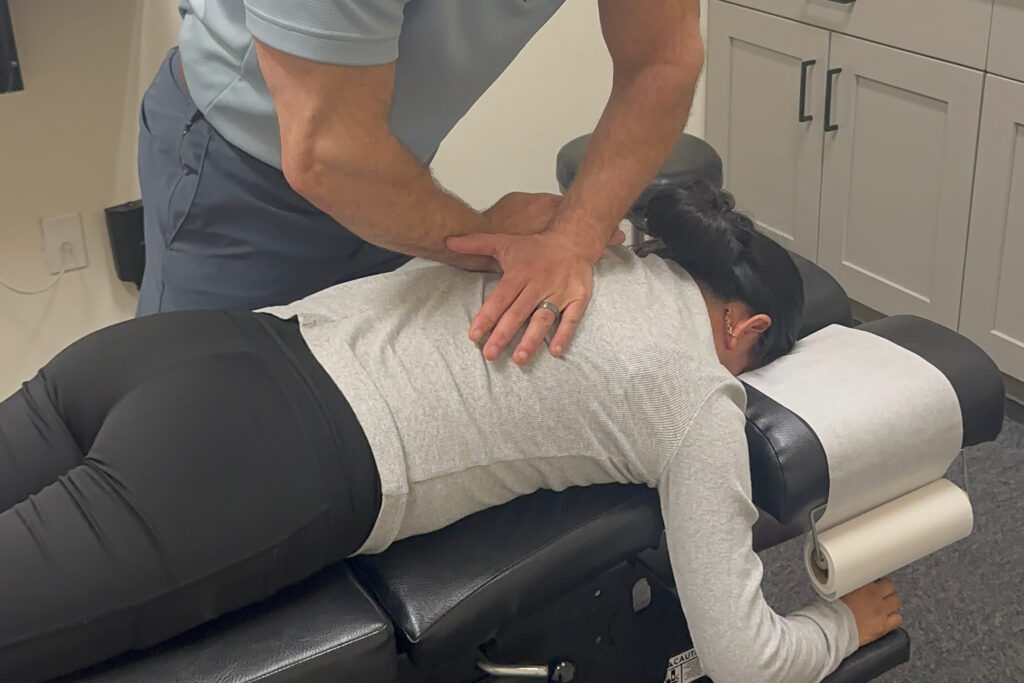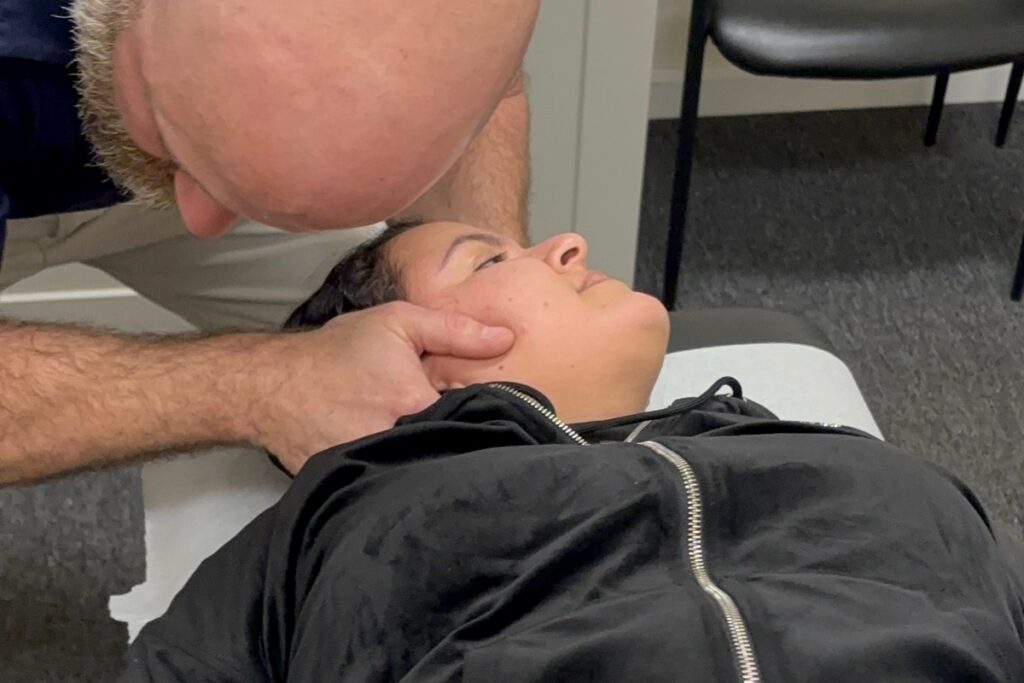

As a local chiropractor, I’m here to emphasize the importance of maintaining good posture while working at your desk for your overall health and well-being. Many people often overlook how they sit and arrange their workspace, but making small adjustments can lead to significant improvements in comfort and health. If you want to prevent discomfort and potential long-term issues, adopting a few simple strategies can be incredibly beneficial.
Let’s delve into some essential tips that can transform your workspace and enhance your posture. By making the right adjustments, you may find relief from pain and promote better alignment, which is crucial for your body’s natural healing process. Remember, your posture matters, and I’m here to guide you on this journey towards a healthier you.
Adjust Your Chair Height
As a chiropractor, I often emphasize the importance of proper ergonomics in your daily routine, especially when it comes to your chair height. Many people underestimate how a simple adjustment can significantly enhance your comfort and overall well-being while working.
Begin by positioning yourself all the way back in your chair, ensuring that your feet are flat on the ground. If you find that your feet are dangling or your knees are elevated above your hips, it’s crucial to make an adjustment. Raise or lower your chair until your thighs are parallel to the floor. This optimal positioning is vital as it promotes healthy blood circulation and alleviates unnecessary strain on your lower back.
Additionally, when your elbows rest on the desk, they should ideally form a 90-degree angle. This posture not only supports your spine but also encourages better alignment, which is essential for preventing discomfort and injuries.
Don’t overlook the importance of lower back support from your chair; it plays a key role in maintaining good posture and overall spinal health.
By taking a few moments to adjust your chair height, you can significantly enhance your focus and productivity throughout the day, all while supporting your body’s natural healing process.
Position Your Monitor Correctly
As a local chiropractor, I want to emphasize the importance of proper monitor positioning to help you maintain good posture and minimize eye strain, especially during those long hours at your desk.
An ergonomic setup can greatly contribute to your overall well-being, supporting your neck and back health. Here are some valuable tips to position your monitor effectively:
- Ensure that the top of your screen is at or just below your eye level. This alignment helps keep your head in a neutral position.
- Position the monitor approximately an arm’s length away from you, ideally between 20 to 30 inches. This distance helps reduce eye strain.
- Tilt the screen slightly back, around 10 to 20 degrees, to help minimize glare and improve visibility.
- Place the monitor directly in front of you. This prevents unnecessary twisting of your neck, which can lead to discomfort.
- Adjust the brightness and contrast settings to align with your room’s lighting, providing a comfortable viewing experience.
By following these guidelines, you can create a workspace that supports your spine health and enhances your overall comfort while working.
Maintain Proper Keyboard and Mouse Placement
As a chiropractor, I want to emphasize the importance of proper keyboard and mouse placement to help you avoid strain and discomfort in your daily activities.
It’s crucial to position your keyboard so that your elbows are at a 90-degree angle, allowing your wrists to remain straight while typing. Ideally, the keyboard should be at or slightly below elbow height to promote relaxed shoulders and prevent tension.
When it comes to your mouse, keep it close to your keyboard. This minimizes the need to reach, which can lead to unnecessary strain. It’s essential that your wrist stays in a neutral position—avoiding any upward or downward bending—to reduce the risk of repetitive strain injuries.
I also recommend considering a wrist rest to support your forearms and help maintain a comfortable posture while you work.
If you find yourself frequently switching between typing and using the mouse, practice smooth transitions to prevent awkward movements that can lead to discomfort.
Practice Good Sitting Posture
As a local chiropractor dedicated to your well-being, I want to emphasize the importance of practicing good sitting posture, especially if you spend long hours at a desk.
Many people may not realize that proper posture can significantly impact your comfort and overall health. By paying attention to how you sit, you can reduce strain on your back and neck, which in turn fosters a more productive and pain-free workday.
Here are five essential tips to help you maintain good posture while sitting:
- Ensure that your feet are flat on the floor or utilize a footrest to promote proper alignment.
- Make it a habit to sit all the way back in your chair, allowing the backrest to support your spine effectively.
- Align your knees with your hips to help maintain the natural curvature of your lower back, which is crucial for spinal health.
- Keep your shoulders relaxed and your elbows close to your body to minimize tension and strain.
- Position your head so that your ears are aligned with your shoulders, avoiding any forward leaning that can lead to discomfort.
By incorporating these practices into your daily routine, you can enhance your overall posture and contribute to your long-term health.
If you have any questions or would like to learn more about how chiropractic care can support your wellness journey, feel free to reach out!
Take Regular Breaks and Move
As a local chiropractor, I want to emphasize the importance of taking regular breaks and moving around, especially if you find yourself sitting for long hours at a desk.
Extended periods of sitting can lead to muscle tension and reduced circulation, which can negatively impact your overall well-being. To help combat these issues, I recommend setting a timer to remind yourself to take a break every 30 minutes. During these breaks, stand up, stretch, or take a short walk around your workspace. This movement not only boosts blood flow but can also help clear your mind and improve focus.
Incorporating light exercises, such as shoulder rolls and neck stretches, can significantly alleviate tension that builds up from prolonged sitting. If your work environment allows it, consider having walking meetings or standing while on the phone.
These small adjustments can lead to noticeable improvements in how you feel throughout the day.
Remember, maintaining an active lifestyle isn’t just about physical health; it directly influences your productivity and mental clarity as well. Never underestimate the benefits of a quick break—your body and mind will greatly appreciate it!
As a chiropractor, I encourage you to prioritize these habits to enhance your overall health and well-being.
Use a Footrest if Needed
As a local chiropractor, I want to emphasize the importance of maintaining proper posture and comfort while seated, especially if you spend long hours at a desk.
After taking those essential breaks to stretch and move around, it’s crucial to pay attention to how your feet are positioned. Ideally, your feet should rest comfortably on the floor or on a footrest.
If your feet dangle or don’t touch the ground, incorporating a footrest into your workspace can make a remarkable difference in your overall posture and well-being.
Here are some benefits of using a footrest that I encourage you to consider:
- Improved Blood Circulation: Elevating your feet can enhance blood flow in your legs, reducing the risk of discomfort or swelling.
- Reduced Lower Back Pressure: A footrest can help alleviate strain on your lower back, promoting a more comfortable sitting position.
- Proper Alignment: Using a footrest encourages better alignment of your knees and hips, which is vital for spinal health.
- Support for Extended Sitting: It provides necessary support for your feet, making it easier to maintain a healthy posture during long periods of sitting.
- Weight Shifting: A footrest allows you to shift your weight periodically, helping to reduce fatigue and keep you feeling more energized.
If you notice that your feet aren’t fully supported while sitting, I strongly recommend considering a footrest.
Your body will appreciate the change, and you’ll likely find yourself feeling more comfortable and focused throughout your workday.
Invest in Ergonomic Accessories
As a local chiropractor, I often see patients who are unaware of how their workspace can significantly influence their comfort and overall well-being.
It’s essential to recognize that investing in ergonomic accessories can lead to remarkable improvements in how you feel throughout your day.
Let’s start with the chair you sit in for hours on end. An ergonomic chair is designed to support your lower back and promote good posture, which is crucial for preventing discomfort and pain.
Additionally, consider incorporating a height-adjustable desk into your workspace. This allows you to alternate between sitting and standing, providing your body with much-needed movement and reducing the risk of stiffness.
Your keyboard and mouse play a vital role as well. An ergonomic keyboard paired with a vertical mouse can help alleviate strain on your wrists, which is important for preventing repetitive strain injuries.
Furthermore, a monitor stand can elevate your screen to eye level, minimizing neck strain and allowing for a more natural viewing angle.
Lastly, don’t underestimate the impact of an anti-glare screen protector. This simple addition can greatly reduce eye fatigue, especially if you spend long hours in front of a computer.
By making these ergonomic investments, you can create a healthier workspace that supports your body and enhances your productivity.
Conclusion
As a local chiropractor, I want to emphasize that maintaining good posture at your desk goes far beyond mere comfort; it plays a crucial role in your overall health and well-being. Adjusting your chair height to support your spine, positioning your monitor at eye level to avoid neck strain, and keeping your keyboard and mouse easily accessible can significantly improve your posture and prevent discomfort.
It’s also vital to incorporate regular breaks into your routine to allow your body to reset and relieve tension. Additionally, consider investing in ergonomic accessories that can further enhance your workspace and support your body’s natural alignment. By following these recommendations, you’ll not only feel more energized and focused throughout your workday, but you’ll also be taking proactive steps towards better spinal health and longevity. Remember, caring for your body today will pay off in the long run!